
See every ICT risk in context
Connect each risk to affected assets, controls and findings. Decide how to respond, assign the work and keep the evidence with the record through review.
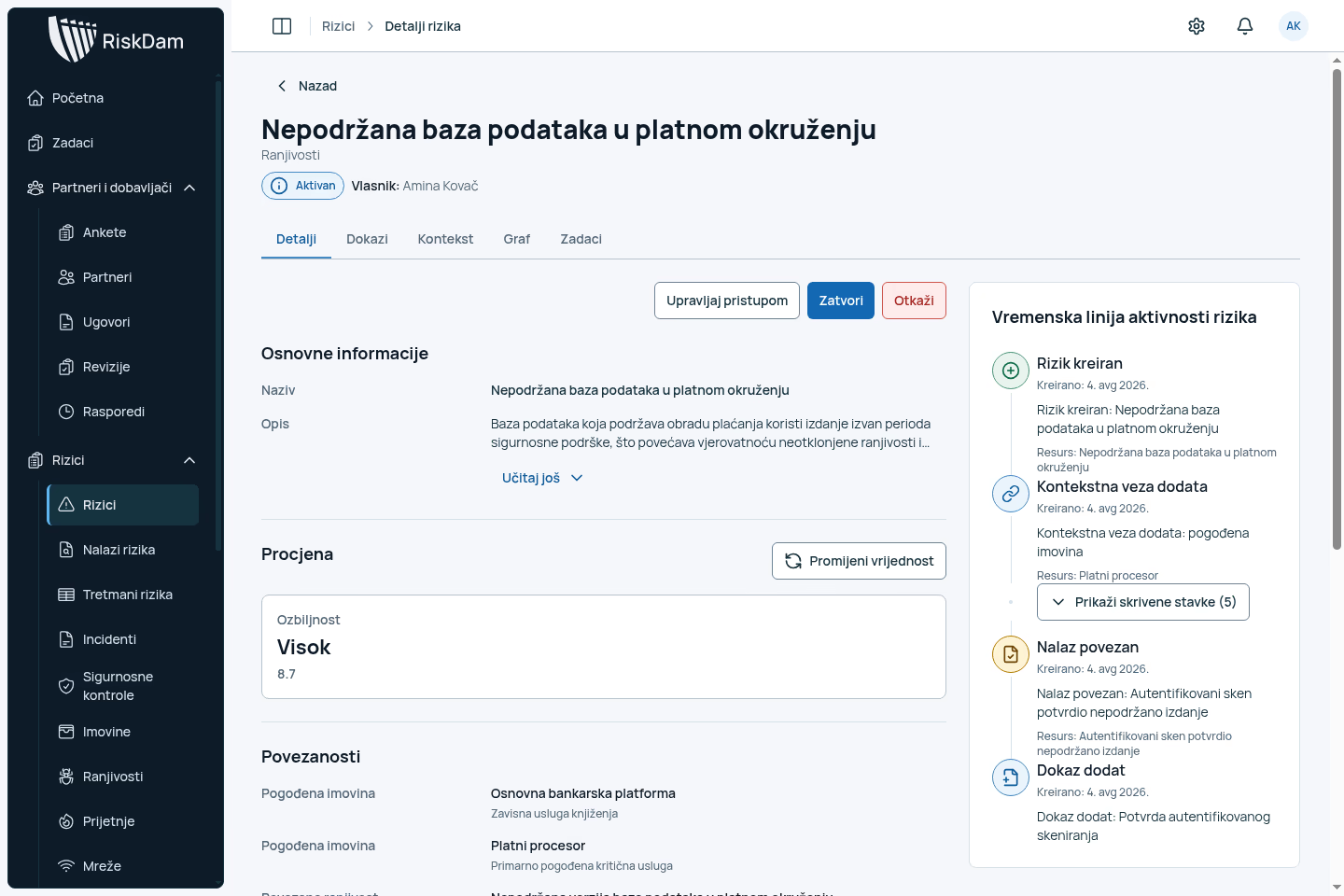
Risk register
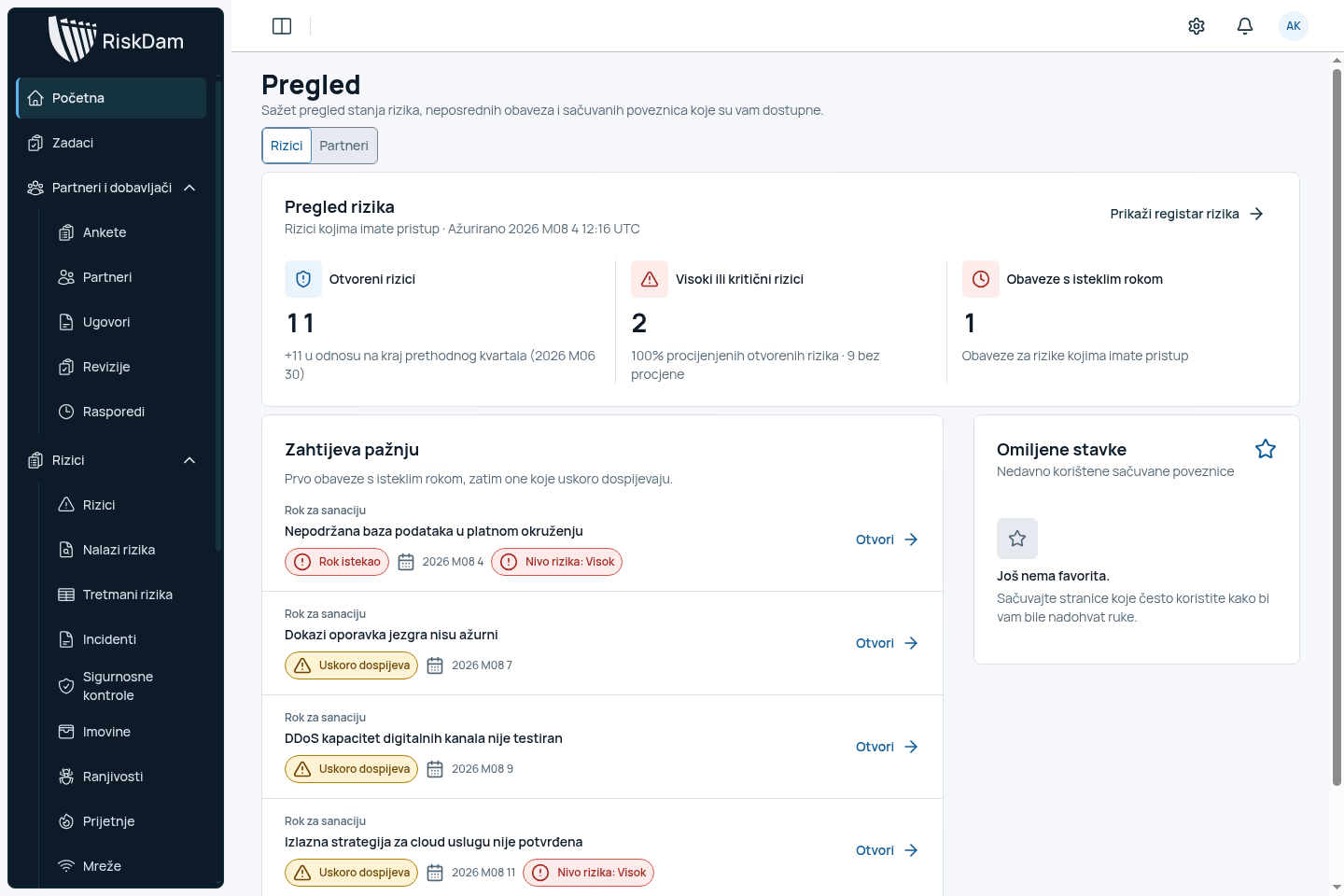
Know what needs attention
Compare risks by impact and status. Filter by risk type, then open the record you need to assess or review.
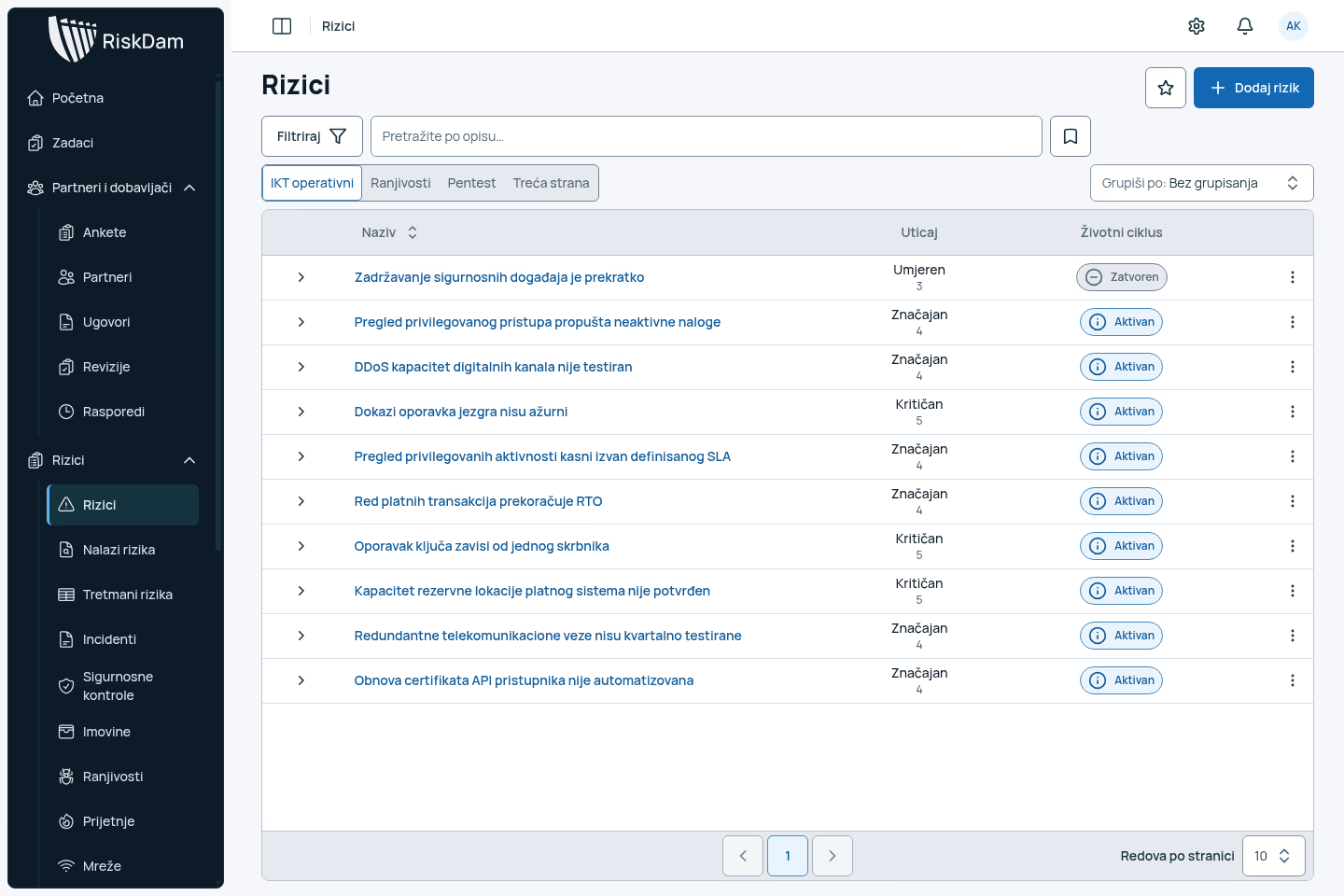
Finding review
Give each finding a clear outcome
Review a finding and its evidence before creating a new risk, linking it to an existing one or discarding it. The record preserves decisions, including when a finding is reopened.
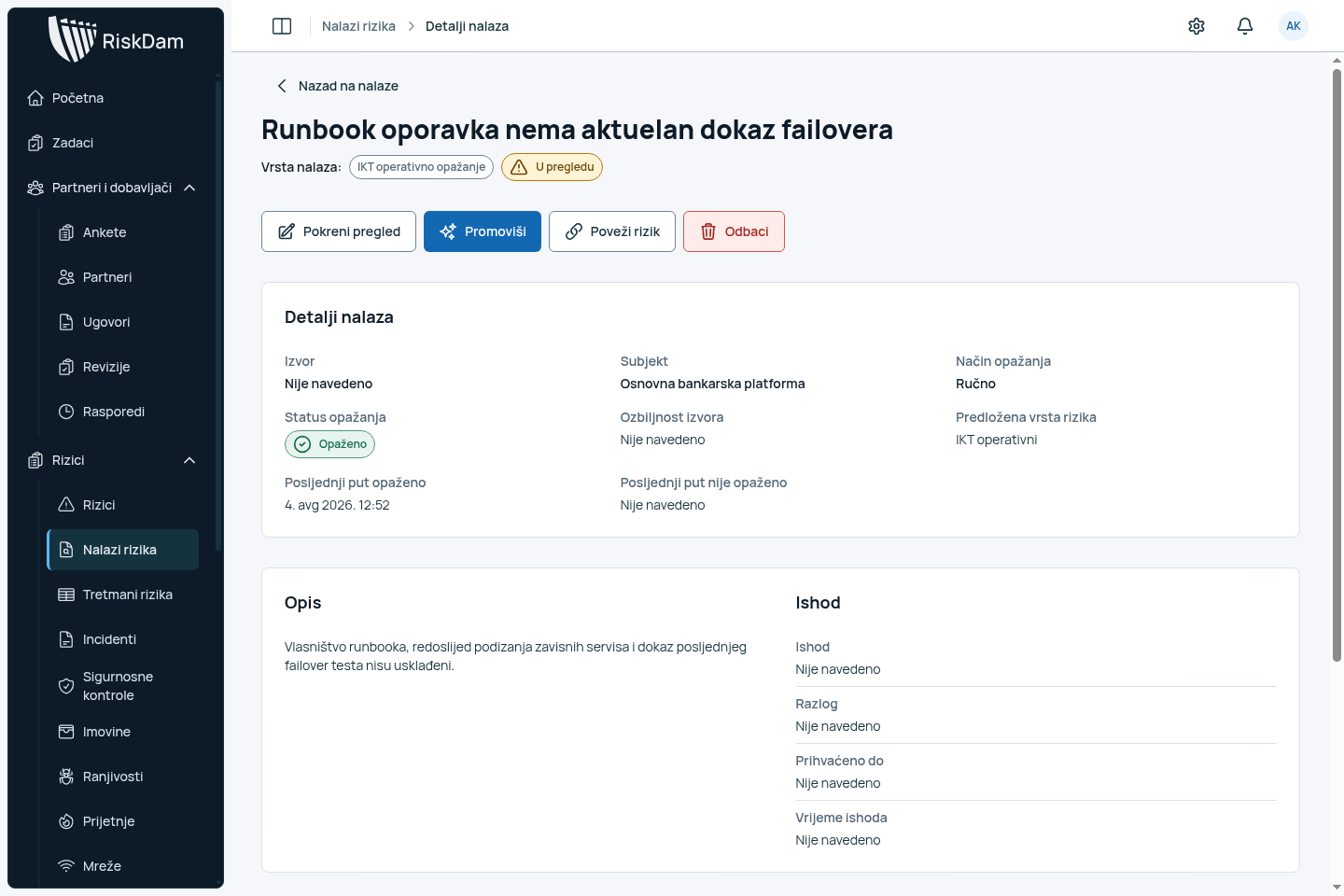
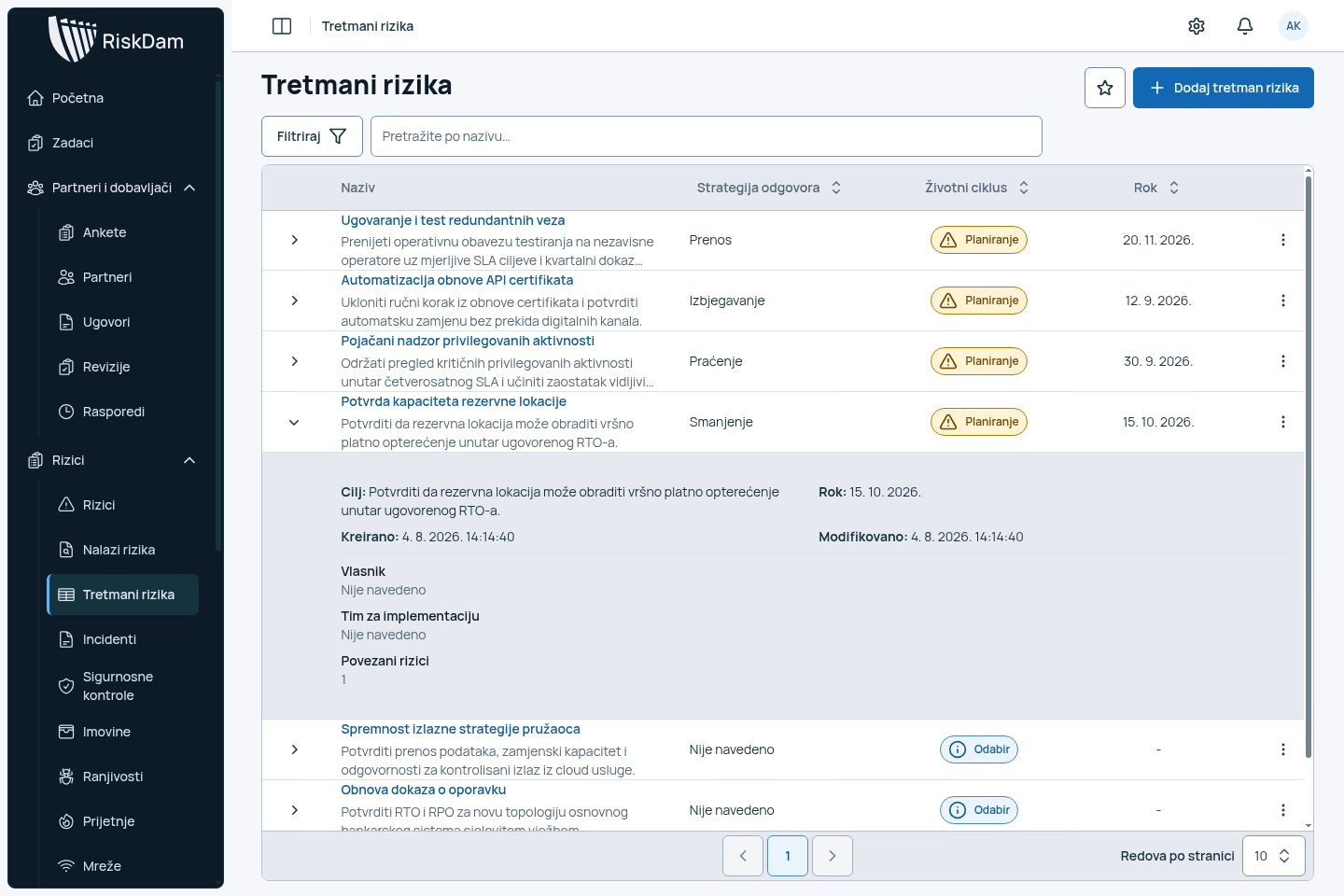
Treatment plans
Track the response through to review
Set out the treatment objective, assign responsibility and follow the deadline. Review each plan alongside its status and the risks it addresses.
Management reporting
See where action is overdue
Review open, high-severity and overdue risks without building a separate summary. Each warning leads to the underlying record so you can check the details before making a decision.
Deployment
Your methodology. Your environment.
Clear responsibilities
Agree who manages access, data, backups and support before deployment.
Your assessment method
Configure roles, assessment criteria, review stages and approvals to match your process.
Agreed integrations
Confirm supported imports and interfaces, with any additional work scoped separately.
Before you start
Common questions
Can we use our existing risk methodology? +
Yes. Assessment criteria, roles, review stages and approvals are configured to the agreed method. We can use a sample risk during the demo to check how your process fits.
Can we import existing risks and findings? +
We review a sample of your records before agreeing the migration scope, supported formats and any data cleanup needed.
How is RiskDam deployed? +
RiskDam runs in your environment. Together we agree identity management, data location, backups, updates, monitoring, support access and recovery responsibilities.
Can we configure roles and approvals? +
Yes. Access and review steps follow the agreed process. The available options depend on permissions, enabled modules and implementation scope.
See RiskDam in use
Walk through a risk you know
Choose a sample ICT risk. We will show you how to assess it, assign treatment and review the evidence.
Please use sample data. Do not email confidential risk information.